Facebook
 YouTube
 LinkedIn
 BNI
In short: Two serious PHP vulnerabilities had governments in Canada and Europe taking their own sites offline this month. PHP sits under roughly 70% of websites, so this is a small business website security problem too. If your business website runs on WordPress, Drupal or Joomla, it runs on PHP. And the usual automatic updates won’t fix this one, so someone has to patch the server by hand.
If your site’s built on WordPress, Drupal or Joomla, it runs on PHP and could have been exposed, even if it’s well built.
Automatic updates for plugins, themes and WordPress can’t reach this fix. It has to be applied on the server.
On shared hosting, that’s your hosting company’s job. One email asking if they’ve done it is the quickest check.
AI helped find these flaws, and it helps attackers too. So the time between a fix going public and someone trying it on your site is now days, sometimes hours.
This month, governments in Canada and parts of Europe pulled their own websites offline. On purpose. Security researchers had found two critical flaws in PHP, the programming language that sits underneath roughly 70% of websites, including anything built on WordPress, Drupal or Joomla.
The flaws had been sitting there for years. They let attackers run their own code on a server, take control of it, or get at sensitive data. Emergency patches went out, and organisations in the Netherlands, Finland and elsewhere took sites down while they sorted things out.
I’ve been programming since 1981 and building websites for clients since the 1990s, so this one landed right on my desk. But I’m not writing this for security specialists. I’m writing it for you, the small business owner whose website quietly runs on PHP whether you know it or not.
And the real lesson here is about small business website security, and the stuff your business depends on that you never look at. PHP is just this month’s example.
What Is Your Website Actually Running On?
When you had your website built, you probably thought about colours, pages, photos and maybe the enquiry form. Your web designer probably didn’t sit you down and explain that the site runs on a programming language, on a server, managed by a hosting company. Or that you depend on all three completely.
That’s normal. You run a business. This stuff is meant to be handled for you.
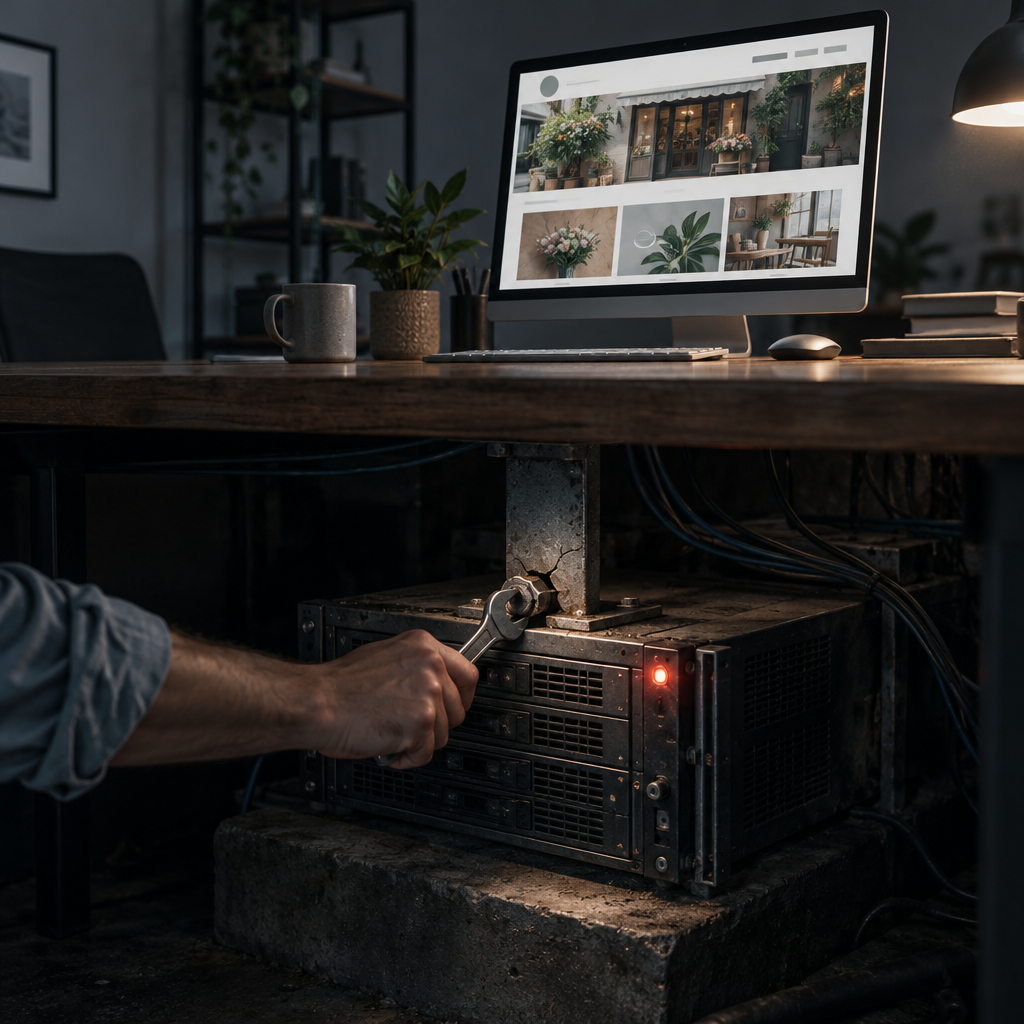
But this incident showed how deep that goes. The flaws sat in PHP itself, the layer underneath everything else. Even a bare “Hello World” page on a vulnerable version was exposed. So your own site could be well built and well looked after and still be at risk, because the problem lived one layer down.
How well your website was built made no difference here, because the weak spot was in the layer underneath it.
That’s a bit confronting, and worth sitting with for a minute. A lot of what your business depends on was decided by other people, years ago, and you’ve never had a reason to look at it.
Bottom line: Your website depends on layers you didn’t pick and probably can’t see. This time the risk lived in one of them.
Why Didn’t Automatic Updates Fix the PHP Vulnerability?
This is the part that matters most for a business your size.
Wordfence, a well-known WordPress security firm, warned that the usual automatic updates wouldn’t install the PHP fix. Someone had to do it manually.
Plenty of the small business owners I talk to have one line of defence for their website: “it updates itself.” And most of the time, that works fine. Plugins update, themes update, WordPress updates.
But this fix sat below all of that, so the updates your site runs for itself couldn’t reach it. Someone with access to the server had to apply it. For a typical small business on shared hosting, that someone is your hosting company.
As one report put it, small websites are usually run by owners with no security staff, often on shared hosting where they don’t manage the server and may not even know who updates PHP.
So here’s an honest question for you. If your hosting company needed to patch something urgently, would you know who they are, how to contact them, and whether they actually did it?
For a lot of the business owners I meet, the answer’s no. The hosting was set up by a web designer in 2017, the invoice goes to an old email address that doesn’t get checked any more, and that’s the whole relationship.
Where that leaves you: “It updates itself” covers plugins and themes. Server fixes like this one depend on your host, so you need to know who they are and how to reach them.
How Did AI Help Find These Flaws?
The other bit of this story worth a look is how the flaws were found.
These flaws had been around for years, too fiddly for human researchers to chase down in practice. AI-assisted research changed that. It helped surface problems that had been sitting in plain sight for a long time.
That sounds like good news, and partly it is. But researchers also warned that AI makes hard-to-find flaws easier to find for everyone, attackers included. Once a fix goes public, AI tools can work backwards from it quickly. So the race between patching and exploiting gets a lot shorter.
I use AI every day in my work, and I tell my clients the same thing about it every time: AI amplifies whatever’s already there. Solid systems get quicker, and shaky ones get found out sooner than they used to.
Your website maintenance is part of that now. The time between a flaw going public and someone trying it on your site has shrunk from months to days, sometimes hours. A “she’ll be right, we’ll look at it next quarter” approach made some sense ten years ago. Now it doesn’t.
Worth knowing: AI speeds up finding flaws for researchers and attackers alike. Therefore website fixes need doing within days.
What Did the Governments Get Right?
It’s easy to read “government websites taken offline” as a failure. I read it the other way.
Those organisations made a deliberate trade: short, controlled downtime now, instead of a possible breach later. They knew what their systems ran on, understood the risk, and had the authority and the process to act within hours.
That’s what being ready looks like. Problems turn up for every business sooner or later. Being ready means you know what you depend on before the alarm goes off, so when it does, you already know what to do.
In contrast, a typical small business finds out about a problem when the website stops working. Or worse, when a customer rings to say something odd is happening on your site.
Planned downtime costs you a quiet afternoon. A hacked website can cost you customer data, your reputation and weeks of cleanup. The governments did the maths right.
What to borrow from them: Knowing their setup ahead of time is what let those governments act in hours. A small business can do the same thing on a much smaller scale.
Small Business Website Security: What to Check This Week
You don’t need to become a security expert. You just need answers to five plain questions.
Who hosts your website? The actual company name, plus a login or contact that works.
Who’s responsible for updating the server software, including PHP? The host, you, or your web person. Someone specific, named, in writing.
Did your host apply these PHP patches? A one-line email will get you an answer. A good host replies within a day.
Do you have a current backup stored somewhere other than the website itself? If the site had to be rebuilt tomorrow, you want this sorted already.
What happens to your business if the website’s down for three days? If the answer frightens you, that tells you how much attention this deserves.
These take an hour, maybe two. That’s a lot cheaper than finding out the answers in the middle of an emergency.
Your homework: Five questions and an hour or two, and you’ll know where you stand before the next scare.
Why Do the Boring Bits of Your Business Carry the Most Risk?
I’ve spent around four decades in tech and more than two advising business owners, and this incident fits a lesson I keep coming back to. The parts of your business that feel invisible and boring (hosting, backups, who holds which password) carry the biggest risk, because they don’t get checked.
PHP ran quietly under most of the web for twenty years before this happened. Your hosting will run quietly too, right up until the day it doesn’t.
My advice is simple. This week, send one email to your hosting company and ask whether the PHP patches have been applied to your site. Then write down your answers to the five questions above and keep them somewhere you’ll actually find them again.
It’s dull work, I know. It’s also what keeps you reading about the next incident with mild interest, instead of being in it.
And if you’ve read all this and honestly don’t know where to start, ask your web person, or ask someone like me. Sorting out this kind of thing is a big part of what I do.
So: Hosting, backups and passwords rarely get checked, and that’s why they carry the most risk. One email and a written list of answers puts you in a much better spot.
Frequently Asked Questions
What is PHP, and does my website use it?
PHP is a programming language that runs on the server. It sits under roughly 70% of websites, including sites built on WordPress, Drupal and Joomla. If your site’s on one of those, it uses PHP.
What’s the quickest way to improve small business website security?
Know who hosts your website, who’s responsible for updating the server software, and keep a current backup somewhere other than the website itself. Then email your host and ask if the latest PHP patches have been applied.
What could attackers do with these PHP flaws?
They could run their own code on a server, take control of it, or get at sensitive data.
Will WordPress automatic updates fix the PHP flaws?
No. Wordfence warned that the usual automatic updates wouldn’t install the PHP fix. It has to be applied on the server.
Who is responsible for patching PHP on my website?
On shared hosting, it’s usually your hosting company. Get it confirmed in writing so you know for sure.
How do I check whether my site has been patched?
Email your hosting company and ask if the PHP patches have been applied to your site. A good host replies within a day.
Why did governments take their websites offline?
Because short, controlled downtime while they patched was a smaller risk than a possible breach later.
How does AI change website security?
AI helps researchers find old flaws. It also helps attackers work backwards from public fixes, so the time you have to patch is now days or even hours.
What to Take Away From This
A well-built website can still be at risk if the layer underneath it, like PHP, has a flaw.
Automatic updates cover plugins, themes and WordPress, but they couldn’t install this PHP fix.
On shared hosting, your hosting company applies server fixes, so know who they are and how to reach them.
AI shortens the time between a fix going public and attacks starting, therefore slow maintenance carries more risk now.
One email to your host this week, plus answers to the five questions, puts your small business website security ahead of the next scare.
If I built your website, and you haven’t been able to contact your web host or check your php yourself, please get in touch and I will have a look for you.